
Menu
Your Cart

⚠️ Attention Smart 4K IPTV Customers

If your Smart 4K IPTV is showing a Connection Error, please update your Portal URL by following these steps:

  1. Open the STB Emu app. Go to SettingsProfiles. Select Portal Settings. Open Portal URL. Remove the old Portal URL.

  2. Enter the new Portal URL:

https://2.ai4k.me

  1. Save the changes.

  2. Restart the STB Emu app.

Important: Some customers using Cogeco Internet may experience connection errors with the old Smart 4K Portal URL. Updating to the new Portal URL should resolve the issue.

ShipinCanada.com Blog - fire iptv RSS Feed

10 Nov Fire IPTV
Admin 1 2143
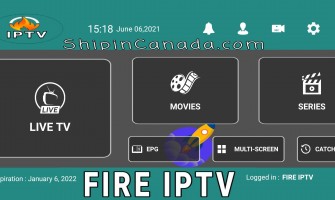
Fire IPTV with up to 3 ConnectionsIf you are looking for the best iptv service in Canada or USA, then you are in the right place, because in shipincanada we only provide local fast Canadian servers.Fire IPTV is the only iptv service that gives you 3 ..
Showing 1 to 1 of 1 (1 Pages)