
Menu
Your Cart
Attention Fire IPTV Customers
We are glad to inform you that the issue with FIRE IPTV has been fixed and the problem was with cloudflare dns. Please follow the steps below to fix everything on your end. 

If your Fire IPTV is working for you, great no need to do anything. but if it's not working follow these steps.
1. On your Android box or Firestick, go to the SETTINGS, then click on APPS or APPLICATIONS, find the IPTV app you are currently using and click FORCE STOP, then click CLEAR DATA. Once you click on Clear data it will clear everything and login again with your username and password.
2. If you are using our custom IPTV apps you just need to login using your username and password.
3. If you are using any third party apps then you login using your username, password and portal URL which is 
http://apomtit.com

ShipinCanada.com Blog - buzz tv iptv installation RSS Feed

15 Mar How to setup IPTV on Buzz TV
Admin 0 11122
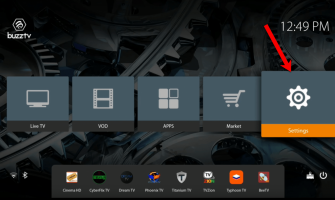
This is a Beginner Guide, How to install IPTV on BuzzTv apk or Set up Buzz tv app with IPTV Service provider. If you are visiting us through google remember that we can provide IPTV Service for your BuzzTv Box no matter where your location is. Shipin..
Showing 1 to 1 of 1 (1 Pages)